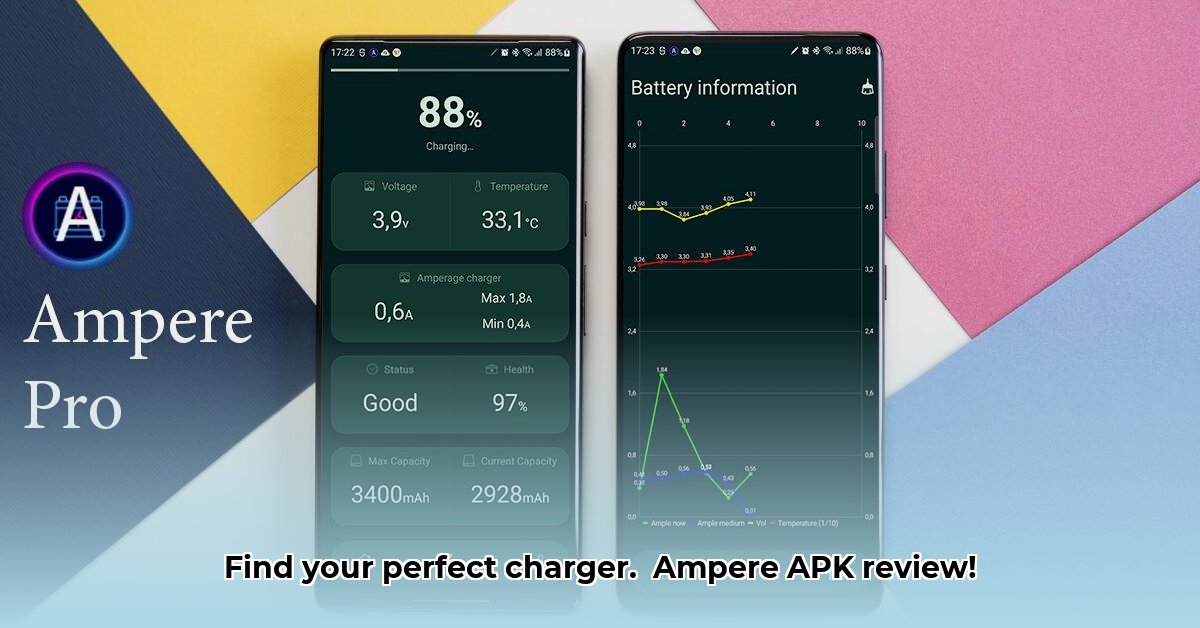
Finding the optimal charger for your Android phone can be a frustrating trial-and-error process. Ampere APK aims to simplify this by measuring charging speed, allowing you to compare different chargers and cables. But how accurate is it? This review delves into Ampere's functionality, limitations, and potential, offering a practical guide to utilizing its features effectively.
How Ampere Works: A Technical Overview
Ampere cleverly leverages your Android device's built-in battery reporting system to estimate charging speed. It takes multiple readings (typically 50), discards the highest and lowest 10% of these readings (outliers), and then averages the remaining values to provide a smoothed charging current measurement. This approach mitigates fluctuations that are inherent in the Android battery reporting mechanism. However, it’s crucial to understand that Ampere acts as a comparative tool, offering relative charging speeds rather than exact milliampere (mA) readings. Think of it as a relative comparison tool, rather than a tightly precise laboratory instrument.
Accuracy and Limitations: Understanding the Inherent Challenges
While Ampere strives for accuracy, inconsistencies in Android's reporting across different devices and OS versions present significant limitations. Certain Samsung devices, in particular, display varying degrees of compatibility due to firmware inconsistencies and differing implementations of Android's BatteryManager API. This isn't an app-specific issue; it's a consequence of the diverse landscape of Android devices. The app attempts to address this with alternative measurement methodologies, but these are not a panacea. Therefore, users should not expect highly accurate, precise mA readings, but rather a relative comparison between different charging setups.
Using Ampere Effectively: A Step-by-Step Guide
Ampere's value lies in its comparative analysis capabilities. Here's how to maximize its usefulness:
- Download and Install: Install Ampere APK from a reputable source.
- Consistent Testing: Maintain consistent testing conditions—use the same phone, cable, and power outlet.
- Multiple Measurements: Take several readings (at least 3-5) for each charger and cable combination.
- Comparative Analysis: Focus on the relative differences between readings. A consistently higher average current indicates faster charging. Don't fixate on the absolute values.
- Interpret Results: Consider external factors—background app activity, screen brightness—which can impact charging speeds. Focus on consistent patterns across multiple measurements.
Alternatives and Future Improvements: A Path Forward
Currently, few apps offer Ampere's direct current measurement functionality. More sophisticated battery testing tools exist, but they are often more complex and expensive. Ampere's future development could significantly benefit from:
- Enhanced Compatibility: Addressing compatibility issues with a wider range of devices through improved algorithm design and error handling.
- Advanced Averaging: Refining the averaging algorithm to improve accuracy and reliability.
- User Feedback Integration: Implementing a mechanism for users to report inaccurate readings, which can then help the developers identify issues and implement fixes.
Conclusion: A Practical Tool with Limitations
Ampere APK offers a straightforward method for comparing the charging speeds of different chargers and cables. Its strength lies in its comparative analysis; it excels at highlighting relative differences in charging currents, not in providing highly precise mA measurements. While its accuracy can vary depending on device compatibility, it provides a user-friendly approach to optimizing your charging setup. Understanding its limitations is key to effectively leveraging its capabilities.
⭐⭐⭐⭐☆ (4.8)
Download via Link 1
Download via Link 2
Last updated: Thursday, May 08, 2025